Upload once, post to TikTok and YouTube.
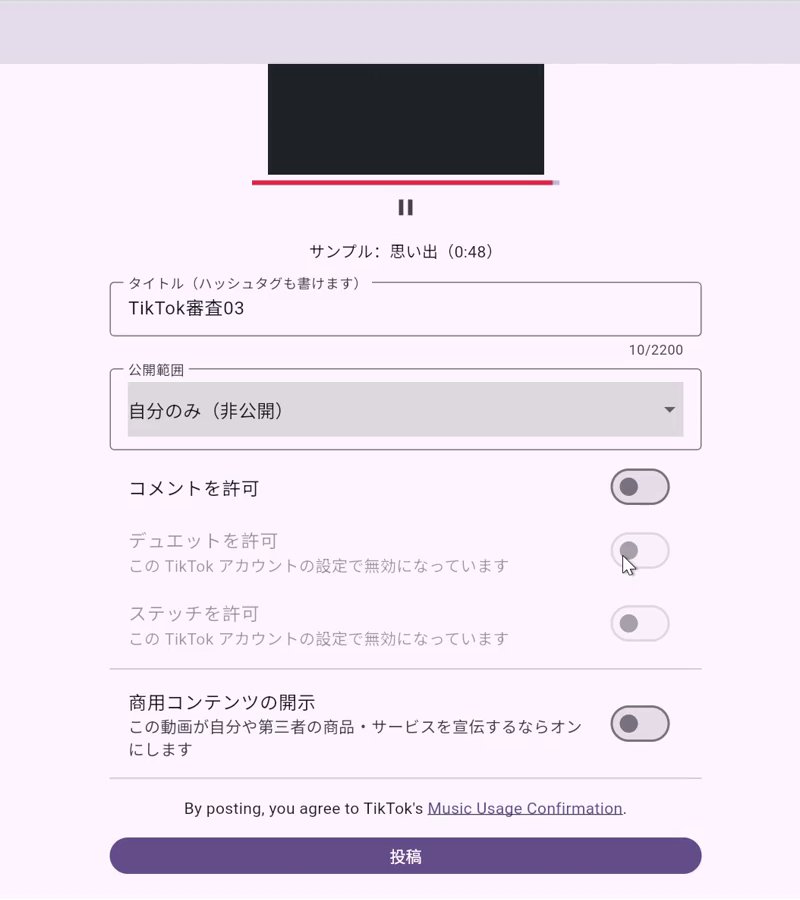
DrippinClips is a web service that lets you post your own videos to TikTok and YouTube from one place. Upload a video once, then review and choose the details for each destination before posting.
The app interface is in Japanese. Each screenshot has an English description, with the Japanese button names translated.
Upload a video once, then review and choose the details for each destination and post to each of them.
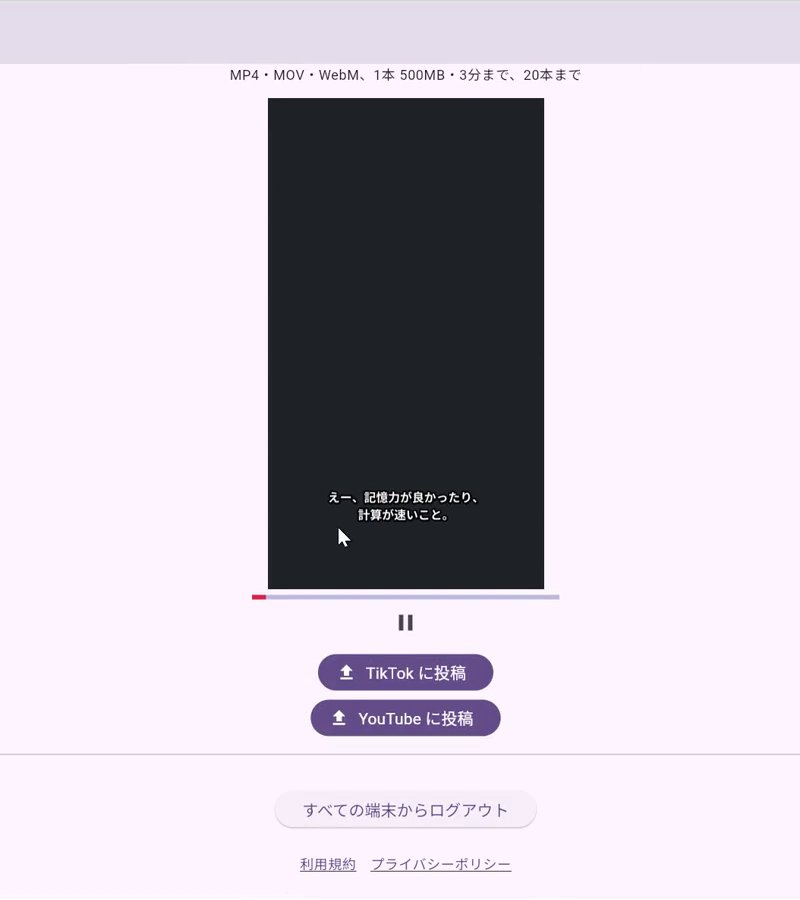
DrippinClips never posts on its own. The privacy setting has no default — you choose it every time.
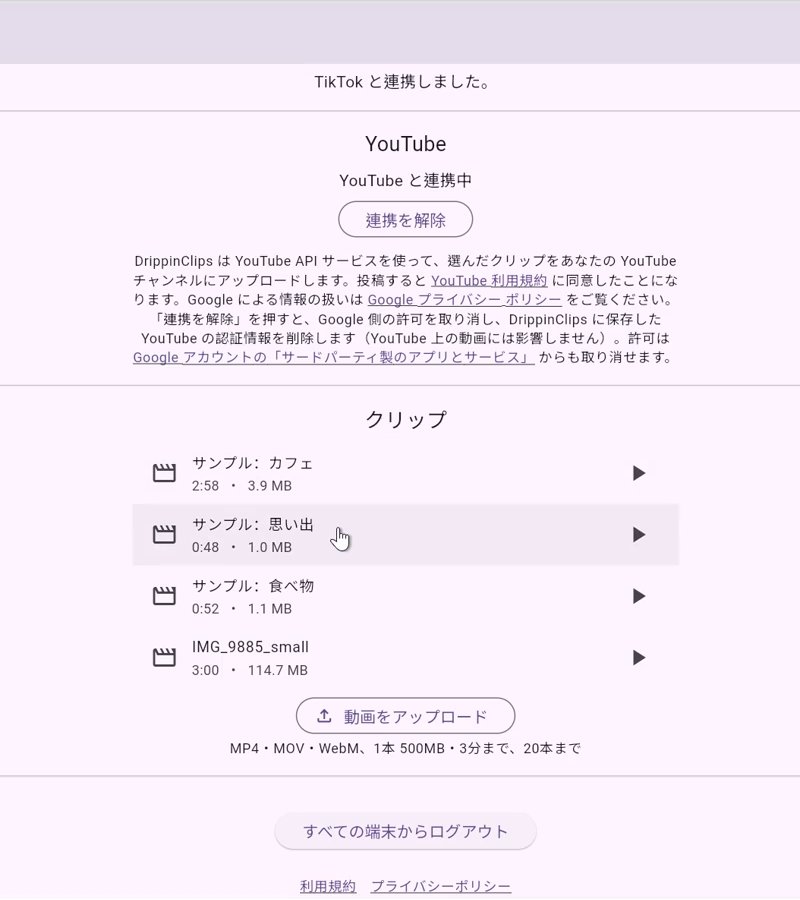
Uploaded videos are stored privately; only you can play, post or delete them.
Upload a recording of a stream or talk (the source video), and AI picks the highlights and makes vertical short videos with subtitles. You play each short to check it before posting. AI never posts on its own.
Videos with no or little speech, such as nature or animal footage, are not supported.
See Features and How it works for details, and Pricing for the price.
 DrippinClips